

Laughing Buddha on Android and iPhone
Play Laughing Buddha Now18+ | Play responsibly
Laughing Buddha App: Play on Your Phone
Is There a Laughing Buddha App?
Most players ask whether Laughing Buddha has its own app. We did not find a standalone app from Habanero for this slot. The game is built to run on Android and iPhone, and you play it in the browser of your phone or inside the app or mobile site of a casino. There is nothing special to install for the game itself.
That is good news for storage and safety. You do not need a separate file, and you can try the slot on your phone right now with our Laughing Buddha demo, which runs on a virtual balance.
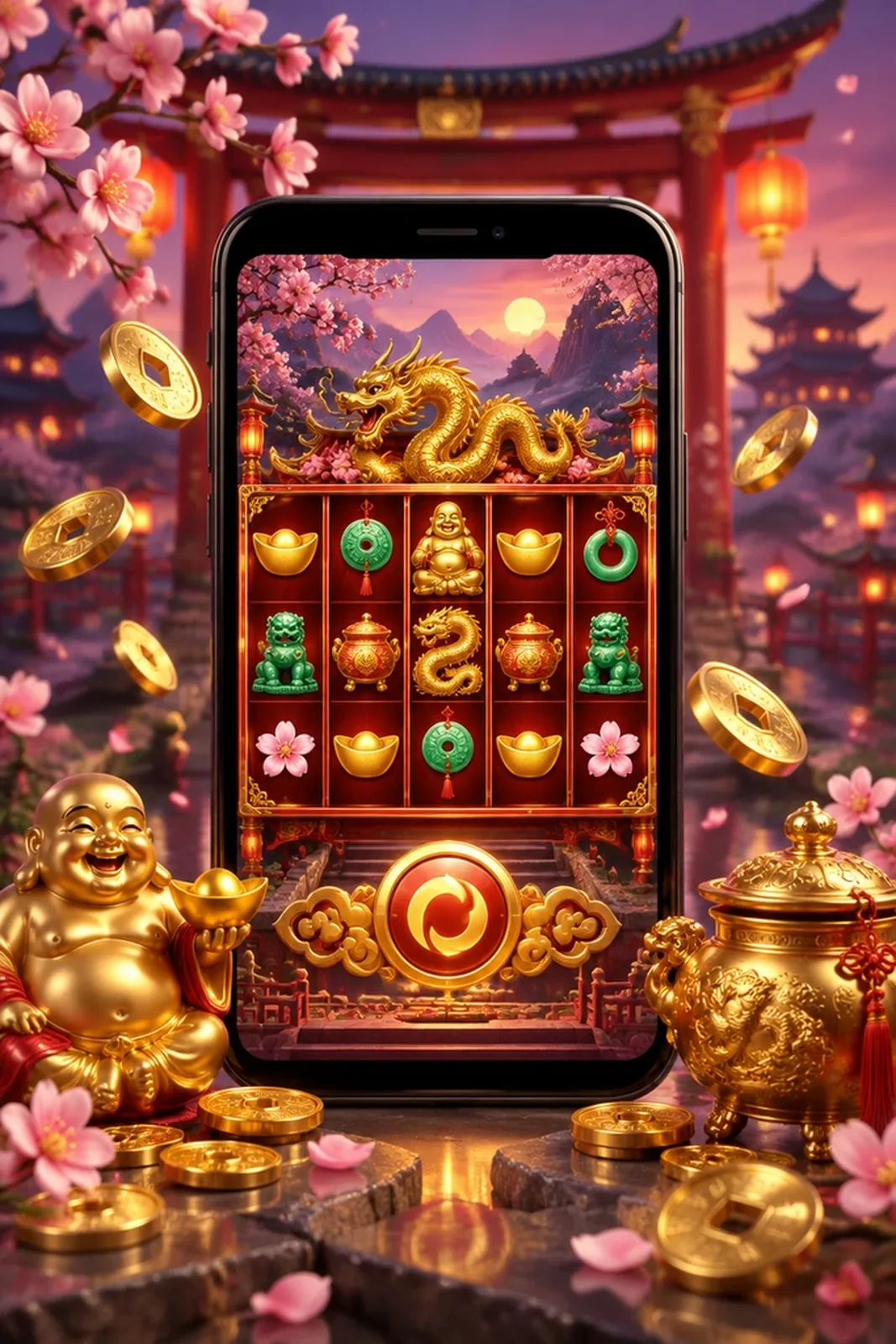
Casinos may also offer their own mobile apps or add a shortcut to their mobile site. Whichever way you choose, the slot itself is the same Habanero game, with the same 5 by 3 grid, 28 fixed lines, pearl wild and free games. Only the way you open it changes. Check that the casino is licensed and that its terms are clear before you deposit, and always read the RTP in the game info, because casinos can use different versions of the slot.
A Warning About Unofficial APK Files
Some sites offer a Laughing Buddha APK with a hack, a predictor or endless free spins. Do not download them. Every spin in the real game is random and no file can change it, so these offers are either empty or harmful. Files from unknown sources can carry malware or steal your login details. Use only the casino site or the official store listing of a licensed casino app.
How to Play on Android
- Open Chrome or another browser on your phone.
- Go to the casino you chose, or open our demo page to try the slot first.
- Register or log in, and confirm that you are 18 or older.
- If the casino has an official app in the store, you may install it from there. This is optional.
- Search for Laughing Buddha in the lobby and check which version you opened.
- Open the game info, read the RTP and set your bet.
How to Play on iPhone
- Open Safari or another browser on your iPhone.
- Visit the casino site or our demo page.
- Log in or register as a player who is 18 or older.
- Find Laughing Buddha in the lobby and wait for the loading screen to finish.
- Choose your bet and press spin.
- Add the casino site to your home screen if you want a quick link. This is optional.
Tips for Playing on a Phone
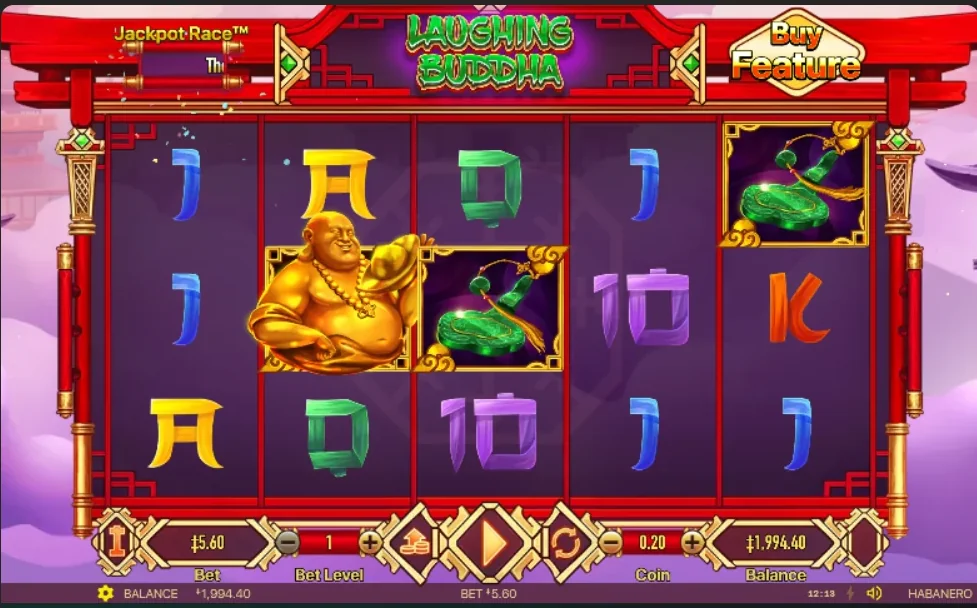
The base game screen has the bet controls at the bottom and the Buy Feature button at the top right. Check them once at a small stake so you do not press the wrong button by mistake. The Buy Feature costs about 46.4x your bet, so an accidental tap is expensive.
- Use a stable Wi-Fi or mobile connection. A drop in signal during a spin can leave the round unfinished until you reconnect.
- Rotate your phone if the layout feels small. Holding it sideways usually shows the reels larger.
- Keep an eye on the battery, because long sessions drain it quickly.
- Close other apps so the game loads smoothly.
- Set a deposit limit and a time limit before you start.
Mobile and Computer Compared
| Point | Phone | Computer |
|---|---|---|
| Rules and lines | 28 fixed lines | 28 fixed lines |
| Bonus and Buy Feature | Same | Same |
| Screen | Smaller, controls adapt | Larger view of the reels |
| Install | Not needed for the game | Not needed |
| Best for | Short sessions | Longer sessions |
Every spin is random on any device, so a phone spin is no better or worse than a computer spin. Choose the device that feels comfortable and keeps you in control of your stakes. If you play on a train or in a queue, keep your sessions short and your bets small, because distraction makes it easier to press the wrong button.
To pick a casino, see our where to play Laughing Buddha page. Remember that bonuses change, so check the current terms on the casino site.
Laughing Buddha App FAQ
Is there an official Laughing Buddha app?
We did not find a standalone Laughing Buddha app from Habanero. The slot runs in the browser of your phone and inside casino sites or apps.
Does Laughing Buddha work on Android and iPhone?
Yes. The Habanero slot runs on both Android and iPhone.
Is it safe to download a Laughing Buddha APK?
We advise against it. Unofficial files that promise hacks or free wins are a common way to spread malware, and no file can change how the slot pays.
Can I play the demo on my phone?
Yes. Open our demo page in your phone browser and press the demo button. It runs on a virtual balance.
Is the mobile game different from the desktop game?
The rules, lines and bonus are the same. Only the screen layout and the controls adapt to your device.
Laughing Buddha Slot is an independent information site. We are not a casino, we do not accept bets and we are not affiliated with Habanero. Some links are affiliate links, so we may earn a commission at no extra cost to you. 18+ | Play responsibly. Last updated: November 2026.
Laughing Buddha by Habanero. 18+
Play Now